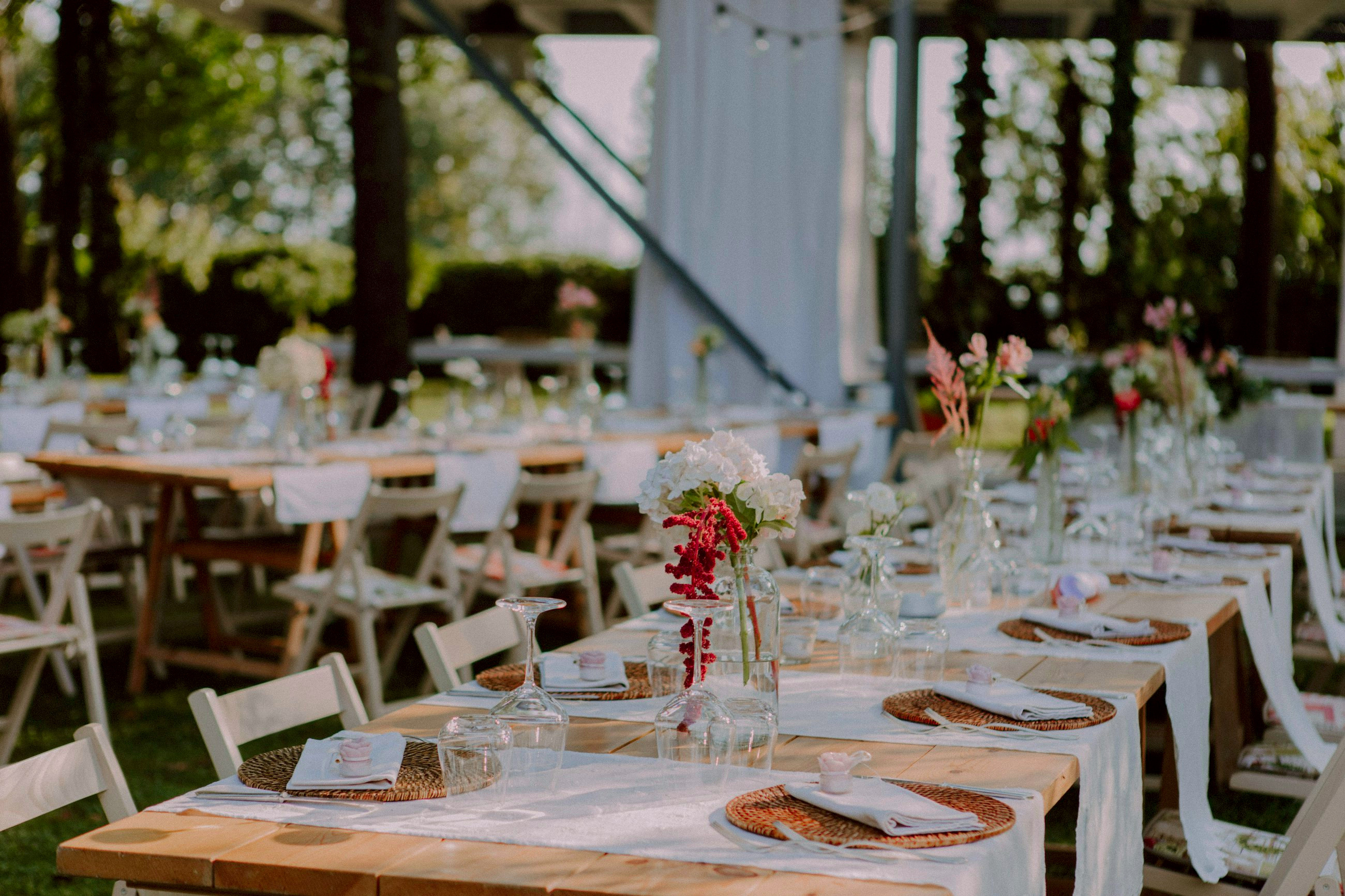
Guest photos for galas, weddings and private events
Capture your event from every angle
A QR card on each table opens your gallery. Guests add photos from their phones, and every original comes back to you.
Nothing for guests to install. Every original, full resolution.
Sam & Alex
12 photos from 7 guests
 Portraits
 Speeches
 Dinner
 The cake
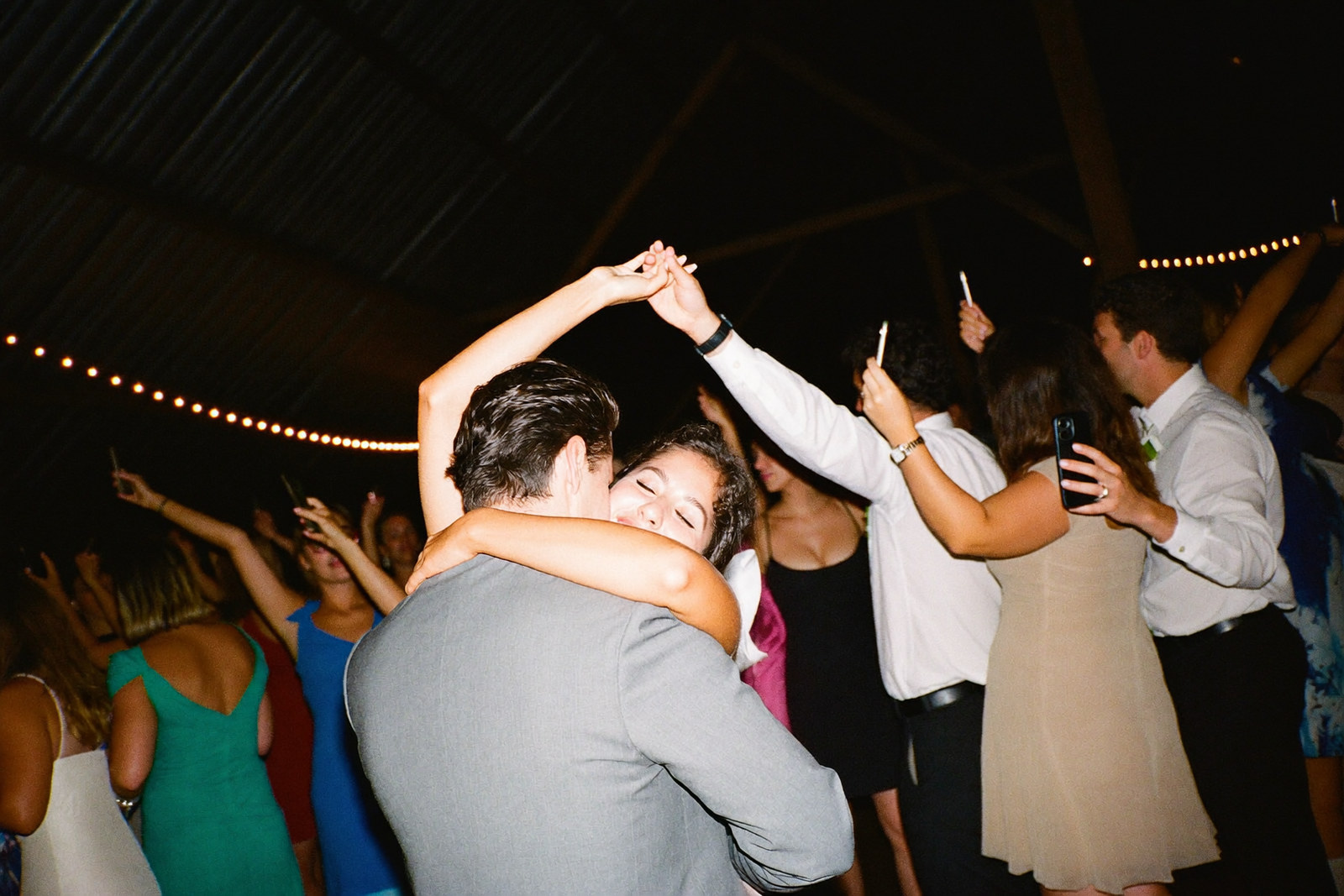
 Dance floor
 Dance floor
Sam & Alex
Scan to add your photos
K7M2QX
How it works
Step 1
Guests scan the card
A card on each table opens your gallery from the phone camera, with no app to install and no account.
Step 2
They add their photos
Each guest types a first name and picks photos and videos from their camera roll.
Step 3
Everyone sees them live
New photos play on the big screen through the evening, and you download every original afterwards.
The slideshow
The slideshow builds itself
Two hundred photos is too many to sit through and too many to sort. Core Memory groups the night into its moments, from the first arrivals to the last dance, and collapses a run of near-identical shots down to the best one.
Each photo gets its own slow movement, a push into a portrait or a drift across a full dance floor. On the Event plan it runs on a projector or a TV, and new photos join the show as guests add them.
- Grouped
- By moment, not by upload time
- Trimmed
- Near-duplicates collapse to the best frame
- Live
- New photos join the run within seconds
Arrivals
Priya
Add yours
K7M2QX
What you get
Everything a gallery does
The slideshow curates itself
It groups the night into moments, drops near-identical shots to the best one, and gives each photo its own slow movement.
Celebration and Event plans
Nothing unwanted gets through
Hide any photo from every screen in one tap, or block a guest, and it stays out of your download too.
Photos and video
Guests add short videos alongside their photos, and each one plays back in place.
Celebration and Event plans
The big-screen show
Put the slideshow on a projector or a TV, with the code on screen so late arrivals can join.
Event plan
Printable table cards
Print a card with your code and a QR for every table, straight from your browser.
Private by code
Only people with your code or the link can open the gallery, and it is never listed anywhere.
Full-resolution downloads
Every photo and video comes back to you at the size it was taken, with a list of who took what.
Your names, your cover, your colour
Pick a cover photo from what guests add and one of seven accent colours, and every screen follows it.
The occasions
Any room where the good photos are on other people’s phones
A code on the table belongs on any table. Wherever people gather and take pictures, the best ones stay scattered across phones unless someone collects them.

Weddings
The day itself, with every guest’s photos alongside the photographer’s, in one gallery you keep.
Corporate events
Launches, conferences, awards nights and offsites, with every photo in one place for the team and the recap.
Birthdays
The fortieth, the sixtieth, the dinner for twelve, where everyone shoots and nobody collects.
Engagements and showers
The parties before the wedding, where the photos are just as good and even more scattered.
Reunions
Family or school, one code on the table beats four group chats and a shared drive nobody opens.
Anniversaries
Smaller rooms with the same problem, and usually nobody hired a photographer at all.
Three plans, sized to the event
Paid once, before the day. Your guests never pay and never see a price.
Gathering
Birthdays, dinners, showers
$199
- Up to 50 guests, as many photos as they take
- The live gallery and the slideshow
- Download every original at full resolution
- Hide anything you would rather not keep
- A month after your event included. $29 a month after that, only if you want it.
- Full-resolution downloads
Celebration
Most popularWeddings, parties, reunions
$299
- Up to 200 guests
- Video as well as photos
- The slideshow, curated and grouped by moment
- Everything in Gathering
- A month after your event included. $29 a month after that, only if you want it.
- Full-resolution downloads
Event
Corporate, conferences, galas
$499
- Unlimited guests
- The big-screen show for a projector or TV
- Everything in Celebration
- A month after your event included. $29 a month after that, only if you want it.
- Full-resolution downloads
Questions
What happens a month after the event?
The gallery stays open for a month after your event date. Then it is hidden from guests and kept for 30 more days, so you can still download everything or keep it up. After that it is deleted.
What does keeping it up cost, and how do I stop?
It is $29 a month, charged only if you choose to keep the gallery up. You can cancel from your dashboard at any time, and the gallery then follows the usual schedule.
What do guests need?
A phone with a camera and a browser. They scan the card or type the code, enter a first name, and start adding photos. There is no app and no account.
Who can see the gallery?
Only people with your code or the link. The gallery is not listed anywhere, and you can hide any photo from every screen in seconds.
How do downloads work?
From your dashboard you download every original at full resolution, with a list of who took what. Photos you have hidden are left out.
Which events is it for?
Weddings, galas, launches, birthdays, dinners and reunions: any event where guests take photos.